
DC Phone Repair
Android Data Recovery in Hillcrest DC
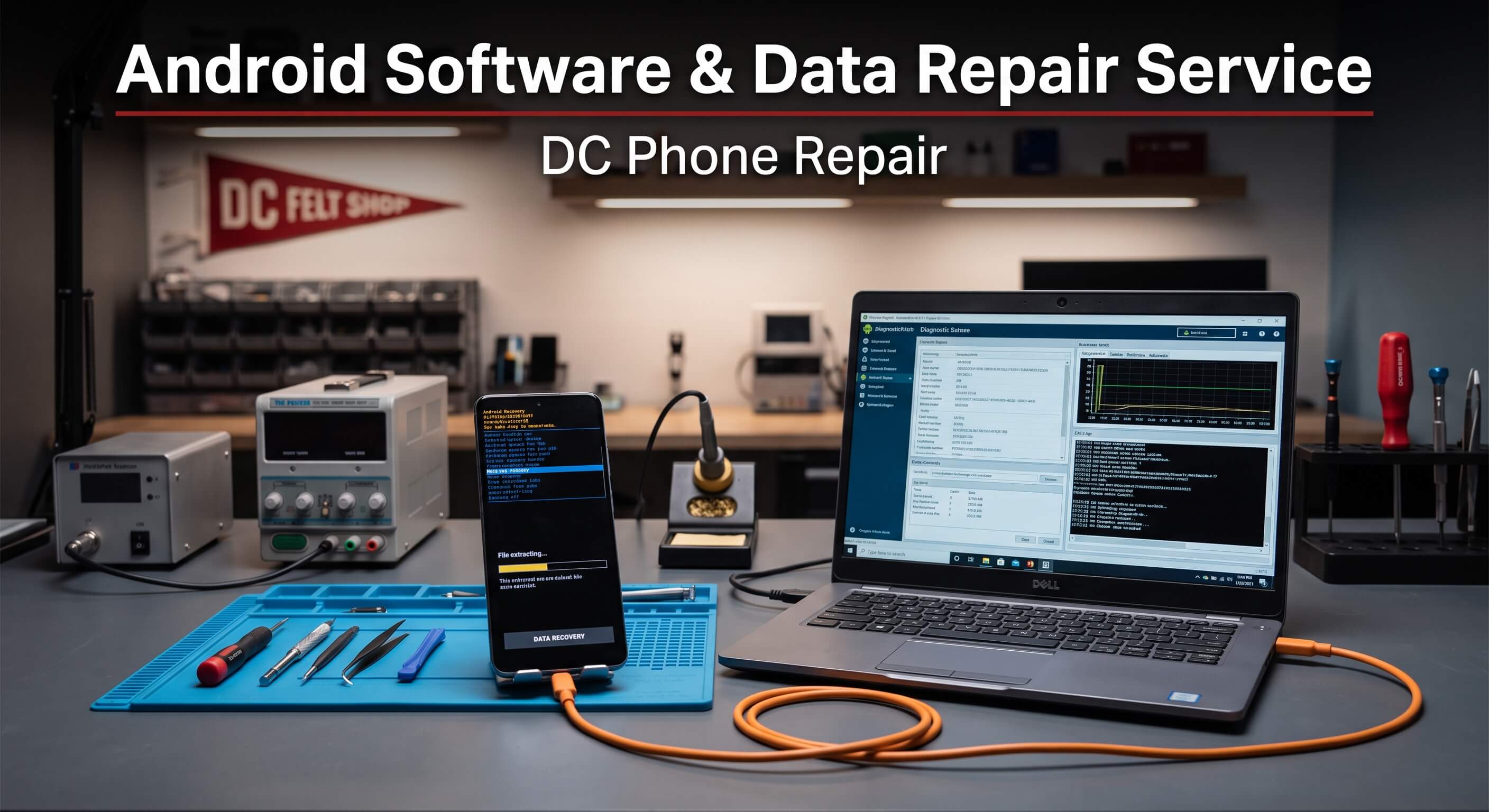
Being locked out of your own phone doesn't feel like a hardware problem, but it stops you just as completely as a cracked screen would — every account, every saved password, every photo you haven't backed up sits right there on a device you suddenly can't get into. A forgotten PIN after a long trip, a system update that bricked the phone mid-install, or a factory reset gone wrong because a setting got toggled by accident are all different problems with the same result: a phone that won't let you back in. This page covers what Android Data Recovery involves, how DC Phone Repair's technicians in Hillcrest DC approach software failures, data recovery, and legitimate screen lock removal, and what you should know about ownership verification before any lock-removal work begins. If you're locked out right now and just need to know what's next, the booking section below will get you moving.
What Is Android Data Recovery?
Android Data Recovery covers three related but distinct problems on Android devices. Software repair addresses a phone that's stuck, crashing, boot-looping, or behaving abnormally due to a corrupted system update, a failed firmware flash, a misbehaving app that's affected core system stability, or malware that's interfering with normal operation. Data recovery covers retrieving photos, messages, contacts, and files from a phone that's no longer functioning normally — whether that's due to a software failure, a hardware issue that's stopped the phone from booting, or accidental deletion — using techniques that go beyond what a standard backup restore can offer. Screen lock removal addresses a phone locked with a forgotten PIN, pattern, password, or in some cases a locked bootloader or account-level lock, restoring access for the verified owner of the device.
Software issues most often stem from an interrupted update — a phone that lost power or connection mid-flash — or from a factory reset that didn't complete properly, leaving the phone in a partially reset, partially original state that behaves unpredictably. Data recovery needs typically follow one of two situations: a phone that's still physically intact but software-locked or corrupted in a way that blocks normal access, or a phone with hardware damage severe enough that it won't boot but where the internal storage itself may still be readable. Screen lock issues are almost always simple human circumstance — a PIN forgotten after months of relying on face or fingerprint unlock, a pattern that got changed by a curious kid, or a secondhand phone purchased with the previous owner's lock still active, which is exactly the scenario ownership verification exists to sort out responsibly.
It's worth being clear about where Android Data Recovery has real limits. Screen lock removal is only performed after ownership is verified, and DC Phone Repair does not remove locks on a device without adequate proof it belongs to the person requesting the service — this is standard practice across legitimate repair shops and protects both the shop and the actual owners of lost or stolen devices. Data recovery, similarly, isn't guaranteed in every case; a phone with severe physical damage to the storage chip itself, or data that's been overwritten by continued use after deletion, may not be fully recoverable, and an honest technician will tell you that upfront rather than promising a result that isn't realistic.
Signs Your Android Device Needs Android Data Recovery
Software, data, and lock issues show up in recognizable patterns. DC Phone Repair's technicians in Hillcrest DC see all of the following lead to Android Data Recovery:
- The phone is stuck on a boot logo or loading screen and won't get past it
- A system update failed partway through, and the phone now behaves erratically or won't fully start
- Apps crash constantly, the phone freezes regularly, or performance has degraded sharply with no clear cause
- You've forgotten your PIN, password, or pattern and biometric unlock isn't available or isn't working
- A secondhand phone arrived still locked to the previous owner's account or screen lock
- The phone shows signs of malware — unexpected pop-ups, apps you didn't install, unusual battery drain, or data usage spikes
- You need photos, messages, or files off a phone that won't boot normally or is stuck in a lock screen loop
- A factory reset didn't complete properly and left the phone in an unstable, half-configured state
- The phone reports storage errors or corrupted files that weren't there before
- You accidentally deleted photos or files and need them recovered before they're overwritten by continued use
Time matters more for data recovery than for the other two issue types here. Continuing to use a phone after accidental deletion increases the odds that new data overwrites the deleted files, so if recovery is the priority, minimizing further use of the device until a technician can look at it gives you the best odds.
Why Hillcrest DC Customers Choose DC Phone Repair for Android Data Recovery
Software and data issues are uniquely stressful because the problem isn't visible the way a cracked screen is — you're locked out, or the phone's misbehaving, and you can't tell from the outside whether it's a five-minute fix or something more serious. DC Phone Repair's technicians in Hillcrest DC run a real diagnostic in person rather than a phone-in guess, which matters enormously for Android Data Recovery specifically, since an accurate read on whether data is recoverable, or whether a software issue is a quick fix or a deeper corruption, changes what happens next entirely.
Being local also means faster access to your accounts and data when time matters. A freelance graphic designer with client files trapped on a locked phone can't afford a week of mail-in turnaround, and DC Phone Repair's technicians in Hillcrest DC handle most Android Data Recovery diagnostics the same day you walk in. Walk-ins are accepted throughout Hillcrest DC without an appointment for most cases, though booking ahead online guarantees a slot if you're working around client deadlines or other time pressure.
Responsible handling matters as much as technical skill here. A shop that doesn't ask any questions before removing a screen lock isn't a shop you want handling your device — legitimate businesses verify ownership before this kind of work precisely because it protects real owners from having their lost or stolen phones unlocked by someone else. DC Phone Repair's technicians in Hillcrest DC follow that standard consistently, which is part of what makes the shop trustworthy with sensitive access issues in the first place.
Our Repair Process
Android Data Recovery follows DC Phone Repair's standard five-stage process, adapted to the specific nature of software, data, and lock-related work compared to physical hardware repairs.
Diagnostic
For software issues, the technician identifies whether the phone is dealing with a failed update, a corrupted system partition, malware, or a hardware-adjacent cause masquerading as a software problem. For data recovery requests, this step assesses whether the phone can be accessed normally, needs specialized recovery tools, or requires accessing the storage directly if the phone won't boot. For lock removal, this step begins with ownership verification before any technical work starts.
Quote
Once the diagnostic identifies the actual scope, you get a plain explanation of what's involved and a quote before any work begins. For data recovery specifically, this includes an honest estimate of recovery odds, since not every case results in full recovery and you deserve to know that before committing.
Repair
Software repairs typically involve reflashing firmware, clearing a corrupted update, or removing malware and restoring stable operation. Data recovery uses appropriate tools based on the phone's condition, ranging from software-level recovery to more involved techniques for a phone that won't boot. Verified lock removal uses manufacturer-supported and legitimate tools to restore access once ownership has been confirmed.
Quality Check
Before the phone goes back to you, the technician confirms the phone boots and runs stably, that recovered data is accessible and intact, or that access has been fully restored with your new credentials set up the way you want them. For software repairs, this includes confirming the fix addressed the root cause rather than just clearing the immediate symptom.
Pickup
Turnaround for Android Data Recovery varies by issue — many software fixes and lock removals with verified ownership are same-day, while data recovery timelines depend on the phone's condition and how much data is involved. You'll get a call or text with a realistic timeline once the diagnostic confirms the scope.
How Booking Works
Getting started with Android Data Recovery takes a few minutes. Call DC Phone Repair directly, book a consultation online, or walk in during business hours if you're near Hillcrest DC. There's no obligation to proceed with the repair after hearing the diagnostic and quote.
For lock removal specifically, bring proof of ownership — a purchase receipt, the original box with matching IMEI, an account login you can verify, or a government-issued ID that matches the account on file. Without this, DC Phone Repair cannot proceed with lock removal, regardless of the circumstances, since this policy exists to protect actual owners of lost or stolen devices. For data recovery, bring the phone as-is and avoid using it further if accidental deletion is the reason you're coming in, since continued use lowers recovery odds. Diagnostics for Android Data Recovery typically take twenty to thirty minutes, depending on the specific issue.
Why Choose DC Phone Repair
DIY software troubleshooting is reasonable for simple cases — clearing a cache, restarting in safe mode to check for a problematic app — but a failed DIY firmware flash can turn a recoverable software issue into a phone that won't boot at all. Manufacturer support can help with some software issues remotely, but data recovery and lock removal usually require in-person, hands-on access that a phone support line can't provide. Mail-in recovery services exist too, but shipping a phone away while data is at risk of being overwritten by continued handling isn't the fastest path to a good outcome.
An uncertified local competitor might skip ownership verification entirely to close a lock-removal job faster, which should be a red flag rather than a convenience — it means the shop isn't actually protecting device owners, yours included, if your phone were ever lost or stolen. DC Phone Repair's technicians in Hillcrest DC verify ownership consistently, give honest data-recovery odds instead of a guaranteed promise, and back completed software repairs with a warranty. A shop that never says "this data isn't recoverable" or "I can't verify you own this device" when that's genuinely the case isn't being straight with you.
A retiree who's locked out of a phone that holds years of family photos with no cloud backup has different stakes than a teacher who mainly needs a software glitch cleared before the school year starts — recovery urgency looks different for each, and that context shapes how the technician prioritizes and communicates the realistic path forward. Whatever brought you in for Android Data Recovery, the goal is the same: an honest, responsible process that protects both your access and your data.
Devices & Issues We Handle
Boot Loops and Failed System Updates
A nonprofit worker whose phone got stuck mid-update the night before a big event needs a fast, accurate diagnosis more than almost anything else. DC Phone Repair's technicians identify whether the update can be completed, rolled back, or whether the system needs a clean reflash to restore stable operation.
Forgotten PIN, Pattern, or Password
A caregiver managing a phone on behalf of an aging parent sometimes ends up locked out after a PIN gets forgotten or changed accidentally. Once ownership or authorized access is verified, DC Phone Repair's technicians restore access using legitimate tools appropriate to the specific model.
Data Recovery from Non-Booting or Locked Phones
A photography hobbyist whose phone won't boot after a failed update, with a season's worth of unbacked-up photos still on it, needs someone who can assess recovery odds honestly before committing to a repair. DC Phone Repair's technicians evaluate whether the storage itself is intact and what recovery approach fits the specific failure.
Malware and Performance Issues
A gig worker whose phone has slowed to a crawl with unexplained pop-ups and battery drain is likely dealing with malware interfering with normal operation, not just an aging device. DC Phone Repair's technicians identify and remove the source of the problem and confirm stable performance before handing the phone back.
Pricing & Turnaround
DC Phone Repair doesn't publish flat prices for Android Data Recovery because the scope varies significantly between a quick software fix, an involved data recovery case, and a verified lock removal. What's consistent is the process: a diagnostic and a clear quote before any work begins, including honest odds for data recovery specifically.
| Service | Typical Turnaround | Pricing |
|---|---|---|
| Diagnostic | 20–30 minutes | Call or request a quote |
| Android Data Recovery | Varies by issue — many cases same day | Call or request a quote |
| Mail-in service | Varies by shipping distance | Call or request a quote |
Call DC Phone Repair directly if you want a preliminary sense of pricing before coming in — describing the specific issue helps the team give you a more useful range, especially for data recovery where the scope depends heavily on the phone's condition.
Parts & Warranty
Android Data Recovery is primarily service-based work rather than a parts replacement, so the warranty here covers the labor and the outcome rather than a physical component. Completed software repairs are backed by a warranty covering the specific issue addressed — if the same software problem recurs without new user-caused changes, that's covered for correction within the warranty period.
Data recovery outcomes are confirmed and verified with you directly at pickup, since recovered data either is or isn't complete, and there's no ambiguity to warranty after the fact. Lock removal, once ownership is verified and access is restored, is a one-time service — the technician will walk you through setting up new credentials so you're not back in the same situation.
What Happens to Your Data
Android Data Recovery is the one category on this site where data isn't a side consideration — it's often the central reason you're here. DC Phone Repair's technicians treat data recovery cases with extra care specifically because of that, avoiding any action that risks overwriting recoverable files unnecessarily. For software repairs and lock removal, the technician will discuss upfront whether the process is likely to preserve your existing data or whether a reset is required, so you know what to expect rather than being surprised afterward.
Your phone stays with the technician assigned to your case for the duration of the work and isn't connected to any outside network beyond what's needed to complete the repair or recovery. If ownership verification is required for lock removal, that documentation is used only to confirm ownership and isn't retained beyond what's needed for the service record.
Get Started
If you're locked out, dealing with a phone stuck in a boot loop, or need data off a device that won't cooperate, the fastest way to know what's actually possible is a diagnostic with DC Phone Repair's technicians in Hillcrest DC. Call with questions, book a time online, or walk in during business hours.
Prefer email? Reach out to support@dcphonerepair.com and a technician will follow up with next steps and a quote timeline.
FAQs
What proof of ownership do I need for screen lock removal?
A purchase receipt, the original box with a matching IMEI, a verifiable account login, or a government-issued ID matching the account on file are all accepted. DC Phone Repair cannot proceed with lock removal without adequate proof of ownership, regardless of the circumstances.
Can you recover data from a phone that won't turn on?
Sometimes, depending on whether the internal storage itself is intact even if the phone can't boot normally. The diagnostic assesses this directly and gives you an honest read on recovery odds before any work begins.
How long does Android Data Recovery take?
It depends on the specific issue. Software fixes and verified lock removals are often same-day, while data recovery timelines vary based on the phone's condition and how much data is involved.
I bought a used phone that's still locked to the previous owner — can you help?
This is a common situation, and it's handled through the same ownership verification process as any other lock removal. If you can't establish ownership through a receipt or the previous owner's cooperation, DC Phone Repair may not be able to proceed, since the lock may indicate the device wasn't properly transferred.
Will a software repair erase my data?
It depends on the specific issue — some fixes preserve your data fully, while others, particularly with severe corruption, may require a reset. The technician explains this during your diagnostic and quote so you know what to expect before agreeing to proceed.
Do I need an appointment for Android Data Recovery?
No appointment is required for most walk-in Android Data Recovery diagnostics at DC Phone Repair's Hillcrest DC location, though booking online ahead of time guarantees a specific time slot if your schedule is tight.
Is data recovery ever guaranteed?
No, and any shop promising a guaranteed recovery in every case isn't being fully honest. Odds depend on what caused the data loss and how the phone has been used since — the diagnostic gives you a realistic assessment for your specific situation.
Do you offer a warranty on Android Data Recovery?
Software repairs are backed by a warranty covering the specific issue addressed. Data recovery results are confirmed directly with you at pickup, and lock removal is a one-time service completed once ownership is verified and access is restored.
DC Phone Repair
2704 Marion Barry Ave SE,
Washington DC 20020, United States
(202) 478-4799
support@dcphonerepair.com
https://dcphonerepair.com/